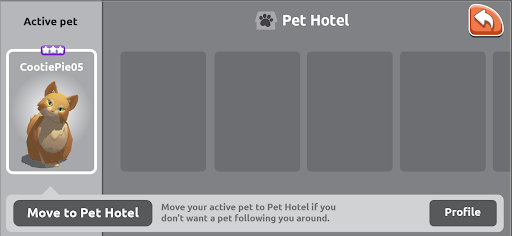
In the Pet Hotel, you will be able to see all the pets that you own, and choose which one you would like to be active.
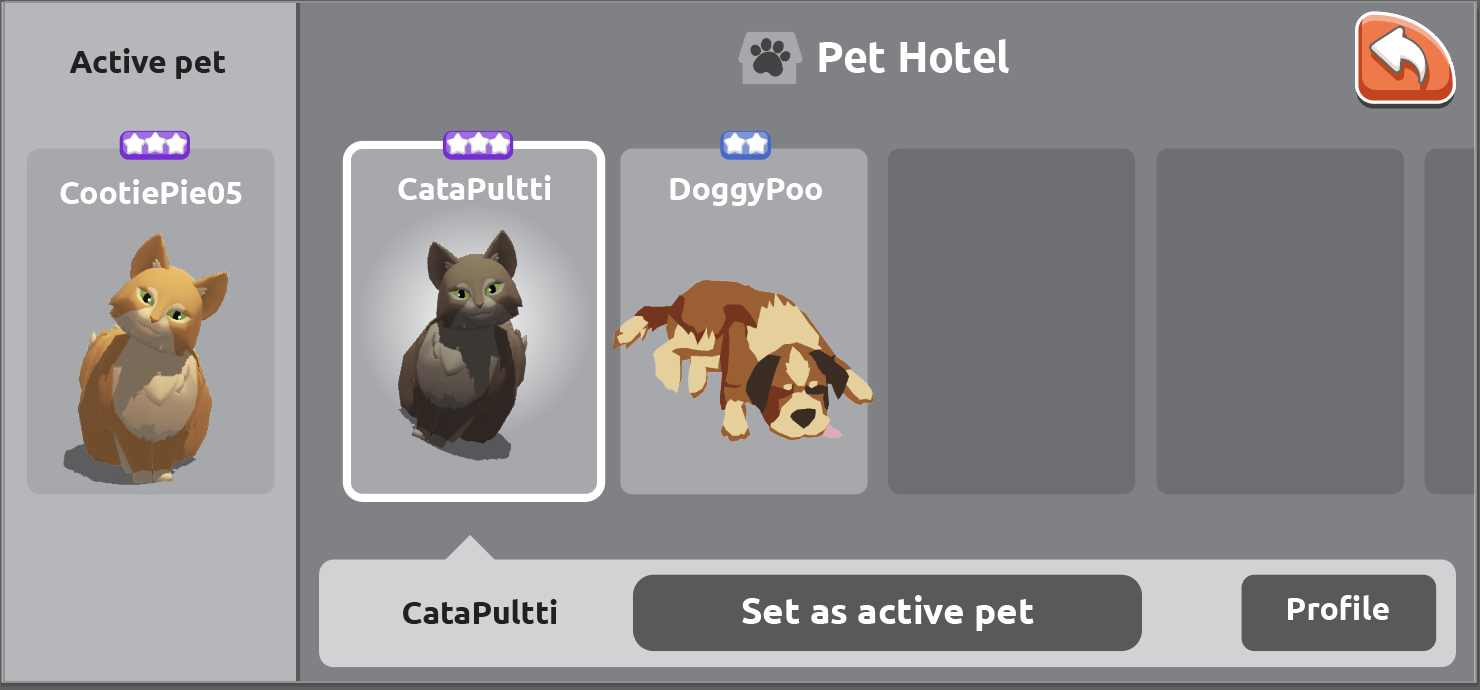
The Active pet will always be shown on the left, and you will be able to scroll through your non-active pets. If you set a new pet as active, it’s displayed on the left-hand side and the old active pet is moved to the non-active pets list. If you have no active pets, an empty slot is displayed on the left.
If you don’t want to have an active pet, you can select the active pet and move it to the Pet Hotel.